
Appearance
Requires the Branded Site & Embed module
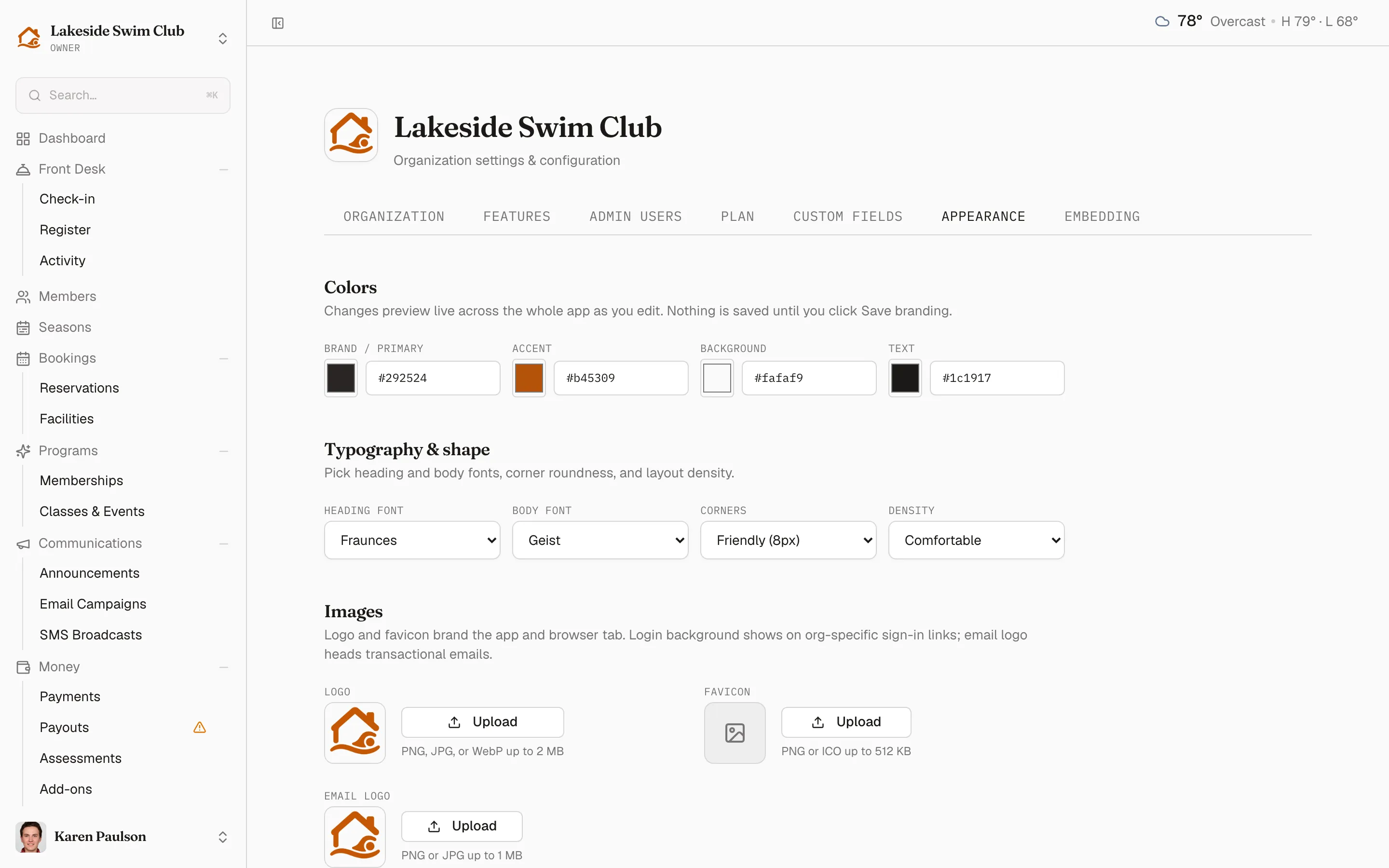
The Appearance tab restyles the entire member experience — your branded portal, member pages, and member emails — in your club’s own look. Open it with Settings → Appearance. Changes preview live on the page as you make them.
What you can brand
Section titled “What you can brand”- Colors — brand color, accent color, background, and foreground. Memberley derives the rest of the palette from these four.
- Fonts — a heading font and a body font, picked from the built-in font library.
- Shape & density — corner radius from Sharp (0px) to Soft (14px), and Comfortable or Compact spacing.
- Images — your logo, favicon, and a separate email logo.
Save to apply; every member-facing surface — the /o/your-club portal, member pages, and portal emails — picks the theme up immediately.
Start over
Section titled “Start over”Reset returns every value to the Memberley defaults. Your uploaded images are removed as part of the reset, so re-upload the logo if you only meant to reset colors.