
Check-in code
Requires the Front Desk & Check-in module
The primary member and joint holder use the same household QR code. Staff scan it at the front desk and the household comes up ready to check in — no name to spell, no list to search.
Where members find it
Section titled “Where members find it”Two places, and the fast one is on their home page. The Check-in code button at the top right opens the code in a dialog without leaving the page — the right path when someone is already standing at the gate.
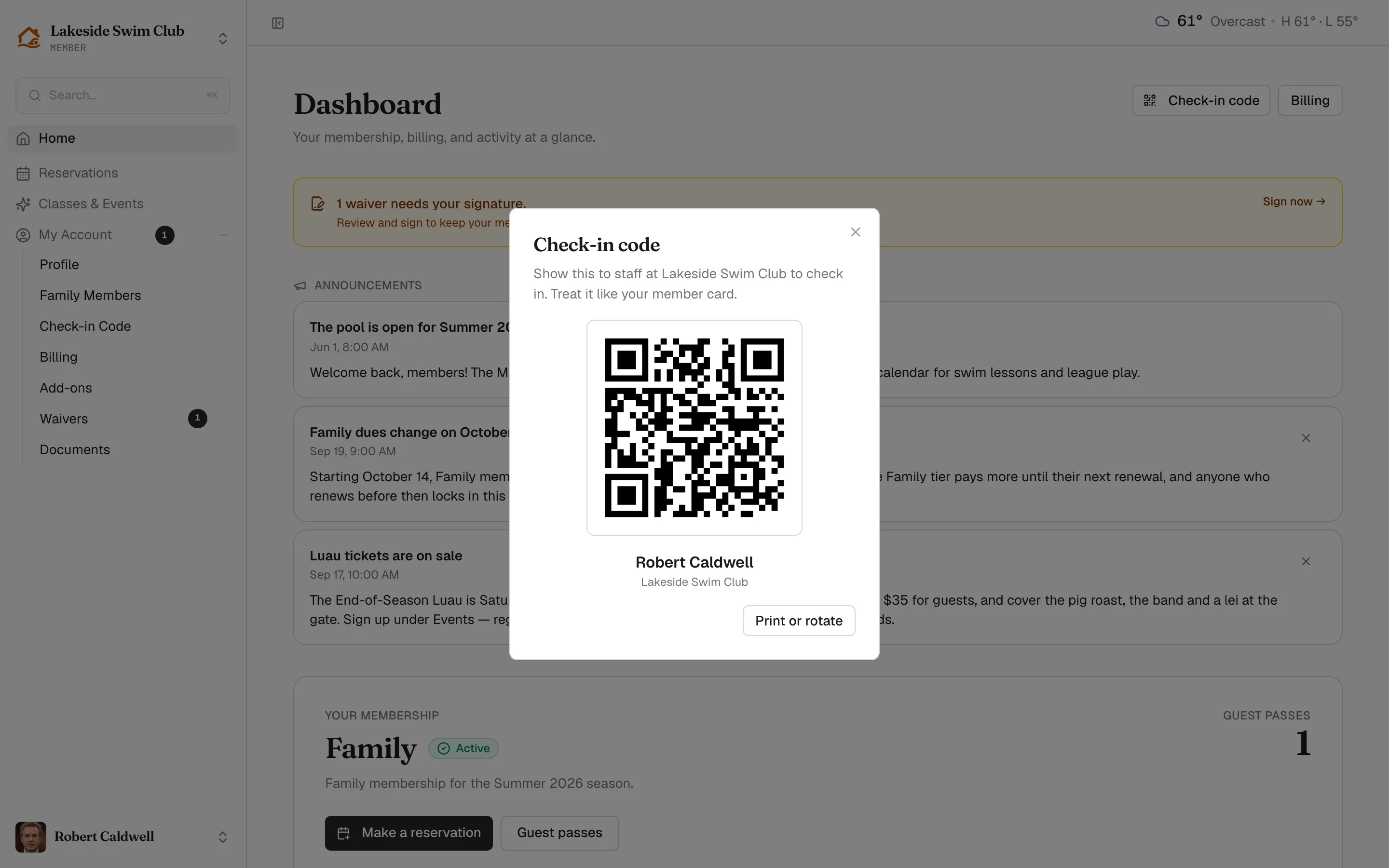
Open My Account in the sidebar, then Check-in Code, for the full page, where printing and rotation live. Print or rotate in the dialog goes straight there.
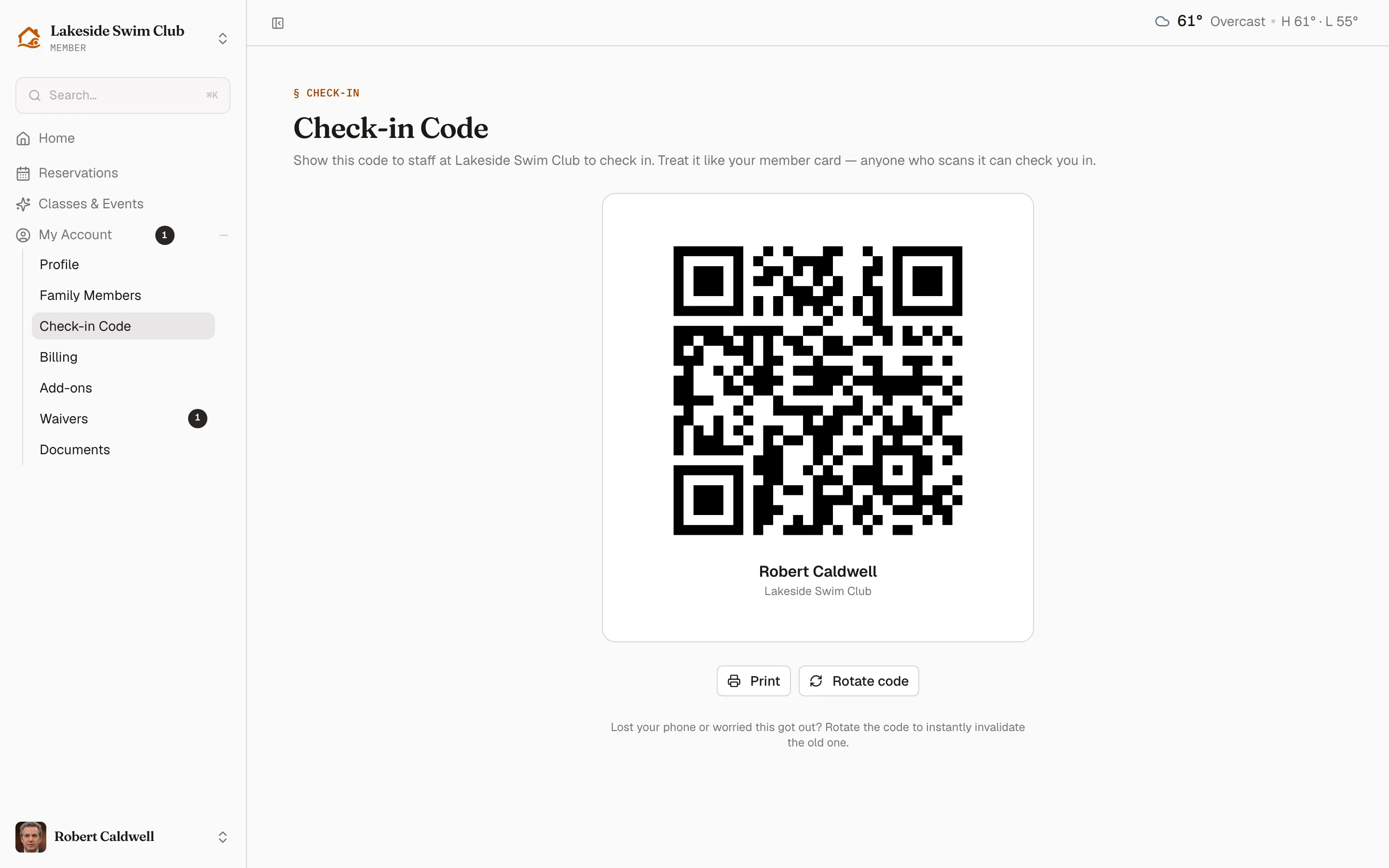
The card shows the code with the member’s name and your club beneath it, so a scanned code and a face can be matched.
Print produces a clean card — just the code, the name, and the club, with the navigation and buttons stripped out. Useful for a member who doesn’t carry a smartphone, or a household that wants one on the fridge.
Rotate
Section titled “Rotate”Rotate code issues a new code and invalidates the old one immediately. Anything already printed or screenshotted stops working the moment it’s pressed.
That is the answer to a lost phone, or a code that got forwarded to someone it shouldn’t have. It’s worth saying plainly to members: the code is a member card. Anyone holding it can check in as them.
The primary member can click Rotate code as often as needed. A joint holder can view and print the shared code, but cannot rotate it manually. Rotation keeps the membership and its records in place.
Removing accepted sign-in access, leaving the shared account, or deleting a family member who has accepted access automatically refreshes the primary member’s codes at every club where they are used. Reopen Check-in Code and replace any saved or printed copies.
What it actually contains
Section titled “What it actually contains”The QR holds a short signed token — not a URL, not an email address, nothing readable. It resolves only inside your organization, and only while it’s current. A code scanned at another club means nothing.
Rotation works by invalidating every token issued before it, which is why it takes effect instantly rather than on a schedule.
Related
Section titled “Related”- Check-in — scanning codes and checking households in
- Install the app
- The member home page