
Payouts
When members pay by card or bank, the money doesn’t go straight to your checking account — it collects in your organization’s Stripe balance, and Stripe deposits it in batches called payouts. This page is where you track those deposits, and where your organization connects to Stripe in the first place. Click Money in the sidebar, then Payouts.
Only owners see this page — managers’ sidebars don’t include a Payouts entry at all, so they can neither see payout details nor touch the Stripe connection.
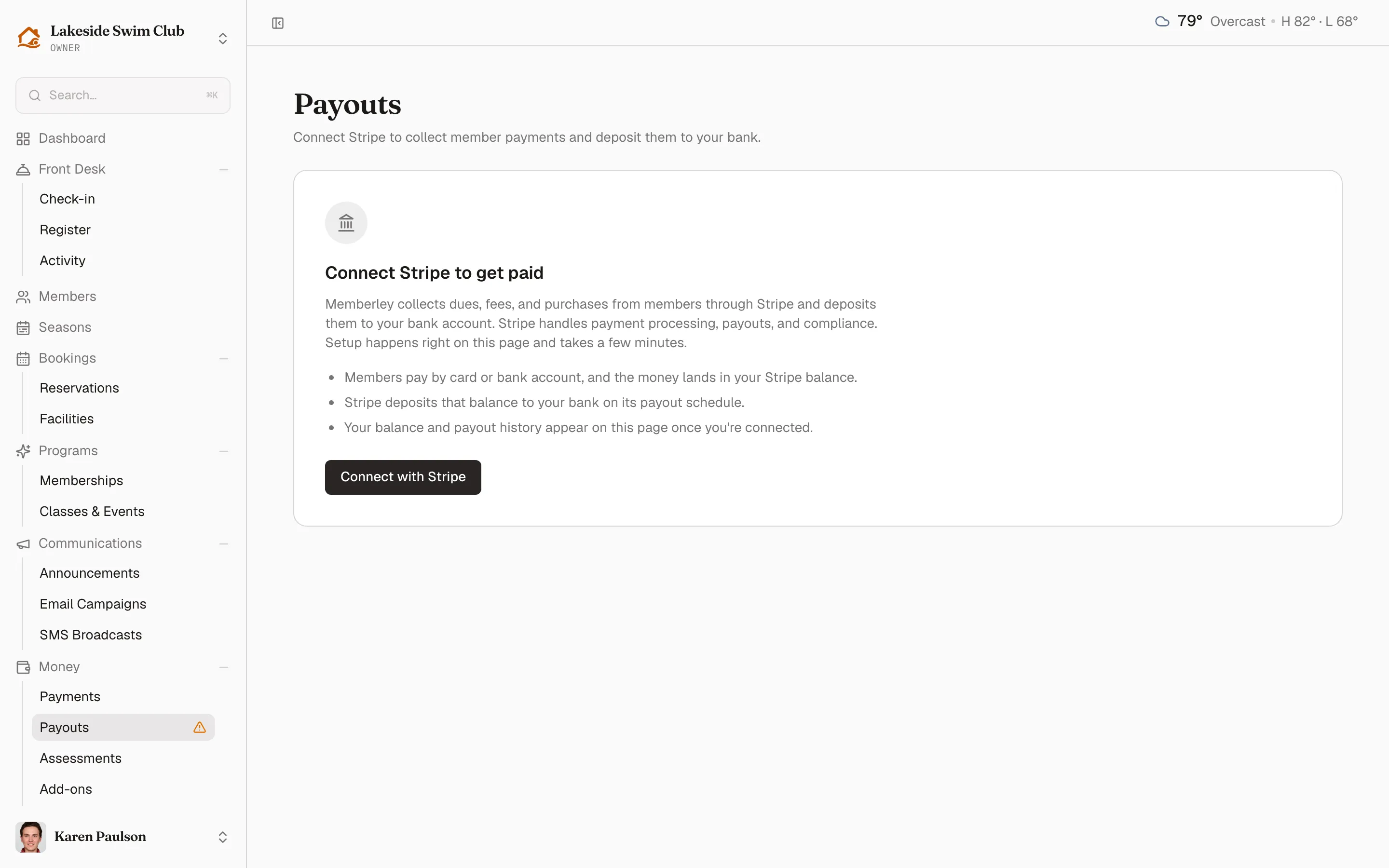
Connect Stripe to collect payments
Section titled “Connect Stripe to collect payments”Until a Stripe account is connected, dues, reservation fees, and every other member charge can’t be collected online, and the sidebar’s Payouts entry carries a “Connect Stripe to accept payments” hint. The page itself leads with a Connect Stripe to get paid panel explaining the arrangement.
- Click Connect with Stripe.
- The page comes back in a Finish setting up Stripe stage, with Stripe’s own onboarding embedded below the heading. Work through it: Stripe wants your business details, a bank account, and identity verification before members can pay.
The Finish setting up Stripe stage is where most of the setup time goes, and the page stays on it until Stripe reports your details as submitted — so you can come back and pick up what’s left. Once Stripe has them, the page switches to the balance and payout panel, with a Stripe account card underneath.
See your balance and payout history
Section titled “See your balance and payout history”Once you’re connected, the same page leads with an embedded Stripe panel. The panel is served live from your connected Stripe account and shows your current balance along with your payout history — each payout’s amount, date, and status as it makes its way to your bank.
Use it to answer the questions that come up at board meetings:
- Has last week’s registration rush been deposited yet? Check the most recent payout’s status and date.
- How much is still on the way? The balance at the top is money collected but not yet paid out.
- Did a specific deposit arrive? Match the payout amount and date against your bank statement.
- Why is a deposit smaller than expected? Platform fees and refunds both reduce what reaches the bank — see the flow below.
Check your Stripe account
Section titled “Check your Stripe account”The Stripe account card below the panel shows when the account was connected and how healthy it is. Its chip reads one of three things:
- Active means charges, payouts, and card payments are all enabled — nothing to do.
- Limited means Stripe still wants something. The Charges and Payouts tiles show which capability is Pending, Stripe posts its own notice at the top of the page, and an embedded panel names whatever is outstanding — upload or confirm it there.
- Status unavailable means Stripe didn’t return a status this time. Refresh the page to try again; it says nothing about the account itself.
Card payments not enabled appears as a separate warning if Stripe hasn’t switched on card charges yet. Click Enable card payments and complete any new requirements Stripe adds.
Bank accounts, business details, and tax information are managed in the embedded account panel at the bottom of the card.
Stripe may need documents it can’t verify instantly, so the account can sit in Limited for a while — that’s normal. While anything is outstanding, the dashboard shows a “Stripe Connect needs your attention” banner that links back here. The sidebar’s Payouts hint is a narrower signal: it only fires while no account is connected and onboarded, so it goes away as soon as Stripe has your details, even if the account is still Limited.
How money flows to your bank
Section titled “How money flows to your bank”- A member pays by card or bank account.
- Memberley’s platform fee — the Platform fee column on the payments list — is deducted from the charge.
- The remainder is added to your Stripe balance.
- Stripe groups your balance into payouts on your account’s payout schedule.
- Each payout is deposited into the bank account on file with Stripe.
The payout schedule and the destination bank account belong to your Stripe account, not to Memberley — change them from the Stripe account card. Newly connected accounts also start with a short holding period before the first payout, which is normal for Stripe.
Refunds come out of the balance
Section titled “Refunds come out of the balance”When you refund a payment, Stripe draws the money from your Stripe balance, so upcoming payouts shrink accordingly. Manual payments you record (cash, checks) never appear here at all — that money never entered Stripe.