

Billing & Stripe
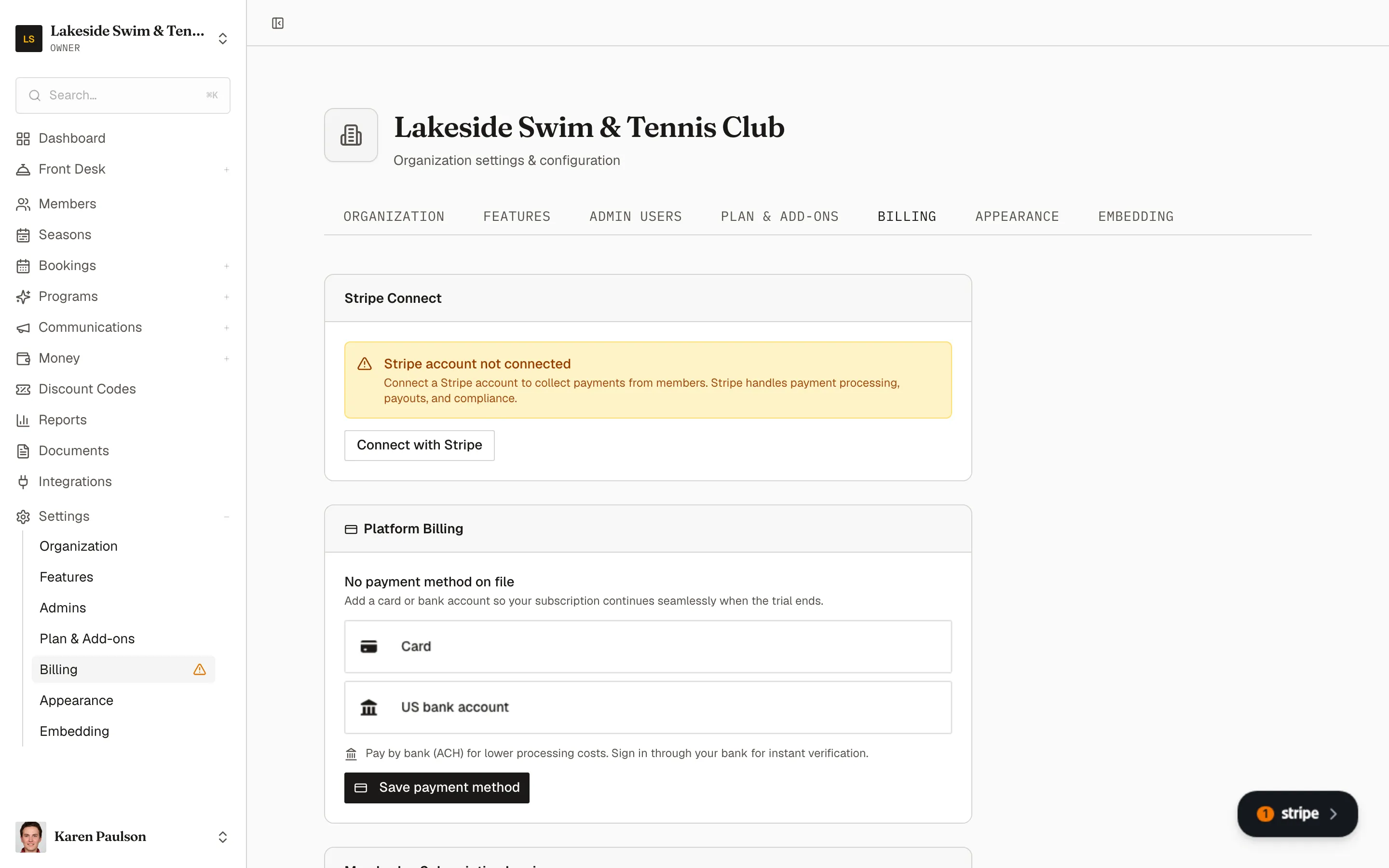
Two different money relationships live on the Billing tab: the Stripe account that collects your members’ payments, and the payment method Memberley bills for your subscription. Open it with Settings → Billing.
Connect Stripe to collect payments
Section titled “Connect Stripe to collect payments”Until a Stripe account is connected, the card shows Stripe account not connected — and dues, reservation fees, and every other member charge can’t be collected online.
- Click Connect with Stripe.
- Complete the onboarding that opens right on the page — business details, bank account, identity verification. Stripe handles payment processing, payouts, and compliance.
Once finished, the card reads Stripe account connected with an Active pill and live status tiles for Charges, Payouts, and card payments. A Limited pill means Stripe still wants something from you — the embedded panel names what’s missing.
Collected payments then flow to your bank on Stripe’s payout schedule — track them under Payouts.
Platform Billing — the card Memberley charges
Section titled “Platform Billing — the card Memberley charges”The Platform Billing card holds the payment method for your Memberley subscription — the plan and add-ons from Plan & add-ons. Add or replace a card (or bank account) using the embedded Stripe form.
Memberley Subscription Invoices
Section titled “Memberley Subscription Invoices”The Memberley Subscription Invoices card lists the payments your organization has made to Memberley for its plan, so your treasurer never has to ask.